Email Security: Attackers Don’t Care That You Passed Cyber Essentials
Let’s get this out of the way:
Cyber Essentials is brilliant. It’s essential. It’s helpful. It reduces risk. But attackers? They couldn’t care less that you passed it.
Because Cyber Essentials is a baseline, not a forcefield – and in 2026, email threats have evolved so far beyond the basics that most SMEs still underestimate how exposed they are.
📬 Email Is Still the #1 Attack Vector – And It’s Getting Worse
Every year we hear the same thing:
“We’re Cyber Essentials certified, so we’re covered.”
Unfortunately, modern attackers aren’t running the same textbook phishing scams they were in 2018. In 2026, email‑based threats are:
🔸 More personalised
Attackers use AI tools to write emails that mimic tone, context, even internal communication patterns.
🔸 Faster and more automated
Phishing kits now generate thousands of tailored messages in seconds.
🔸 More convincing visually
Brand impersonation is so good that even experienced staff occasionally hesitate.
🔸 Designed specifically to bypass basic controls
Cyber Essentials doesn’t mandate advanced email filtering, impersonation protection, or threat intelligence feeds – and attackers know that.
🛑 So What Does Cyber Essentials Actually Cover?
Cyber Essentials focuses on:
- Strong passwords
- Patching
- Firewall basics
- Anti‑malware
- Device settings
- Basic user access controls
All important. All necessary. But none of these stop a well‑crafted phishing email.
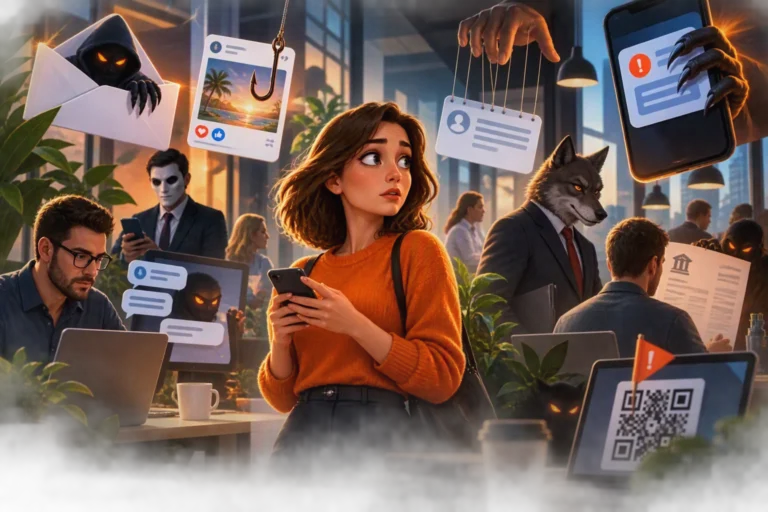
🎣 How Modern Email Attacks Trick SMEs
1. CEO & Supplier Impersonation
Attackers now use publicly available data to spoof real‑world contacts:
- Finance directors
- Regular suppliers
- Even your own company leadership
These aren’t “funny looking emails” with bad spelling anymore – they’re eerily accurate.
2. Invoice & Payment Fraud
Still rising year‑on‑year, and still the most damaging financially.
Attackers often sit quietly inside inboxes for weeks, learning conversation formats.
3. OAuth & Identity Theft
Instead of stealing your password, attackers now trick you into granting app permissions.
You authorise the breach.
4. MFA Bypass Tactics
MFA is critical, but attackers are now:
- Spamming push notifications until users approve
- Using real‑time phishing proxies
- Targeting legacy protocols still enabled in many SME environments
5. Internal‑looking phishing (the scary one)
When an attacker compromises a mailbox, every subsequent phishing email looks like it’s from a trusted colleague. No baseline certification can stop this – only advanced controls can.
🔐 What SMEs Must Do in 2026 for Email Security
Here’s the real protection stack SMEs need:
1. Advanced Email Threat Protection
Look for tools that detect:
- URL rewrites
- Zero‑day phishing links
- Attachment sandboxing
- Impersonation attempts
- Suspicious mailbox activity
Microsoft’s Defender for Office 365 (Plan 2) is the gold standard for SMEs.
2. Continuous Anti‑Phishing Awareness Training
Not the boring old‑school training.
Modern training includes:
- Simulated phishing campaigns
- Real‑world examples
- Micro‑training videos
- Clear “report phishing” workflows
3. Conditional Access
A must‑have in 2026. You can block sign‑ins by:
- Country
- Device type
- Risk level
- Impossible travel events
- Legacy authentication attempts
4. External sender banners
A small step – but it works.
Highlighting “This email came from outside your organisation” prevents countless mistakes.
5. Monitoring & Incident Response
If a user does click a malicious link (and eventually someone will), you need:
- Login monitoring
- Automated investigation
- Mailbox auditing
- Threat‑remediation workflows
- Alerts for impossible travel and token theft
Learn more about Email Security
For a more technical deep‑dive on the current phishing landscape, Microsoft publishes updated threat intelligence here:
Fix?
Email is still the biggest entry point for attackers, and Cyber Essentials alone won’t keep you safe. If you want to genuinely harden your business against modern threats – spear phishing, identity attacks, MFA bypasses, invoice fraud – we can help bolster your Email Security.
Talk to us about advanced email security and user awareness training. We’ll help you stay ahead of attackers, not chase them.