For years, businesses have been encouraged to enable Multi-Factor Authentication (MFA) to protect their Microsoft 365 accounts. If you’ve ever received a text message containing a security code when signing in, you’ve already used MFA.
The good news is that SMS MFA security is significantly better than relying on a password alone. In fact, enabling MFA remains one of the most effective ways to reduce account compromise.
So why is Microsoft now encouraging organisations to move away from SMS-based authentication and towards passkeys?
The answer comes down to one thing: cyber criminals have become much better at stealing access to accounts.
How SMS MFA Security Improved Account Protection
When SMS MFA was first introduced, it represented a major leap forward in account security.
Even if a criminal discovered your password, they would still need access to your mobile phone to obtain the verification code. This extra layer of protection helped prevent countless account compromises and remains vastly better than having no MFA at all.
For many years, this approach served businesses well. However, attackers have adapted.
The Problem With SMS MFA Security Today
The weakness with SMS MFA security is that the text message itself can still be targeted.
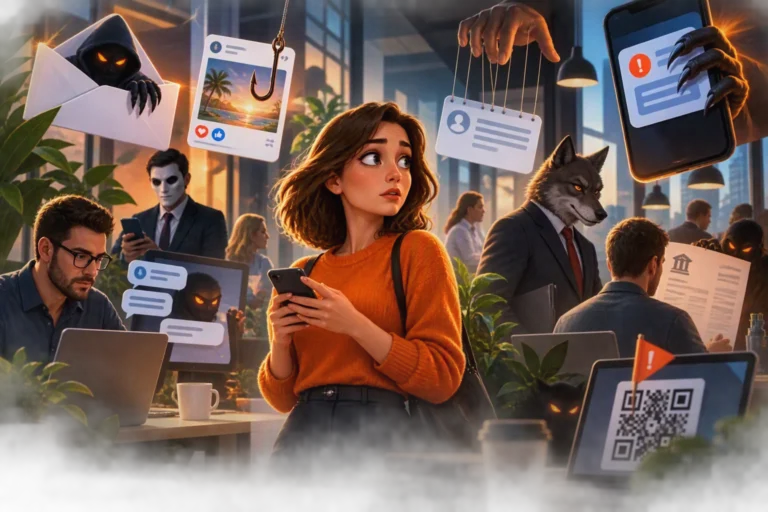
Modern phishing attacks are no longer limited to simple fake login pages. Criminals now use sophisticated techniques to trick users into revealing passwords and authentication codes in real time.
Some attacks can intercept authentication codes as they are entered, allowing attackers to sign in before the code expires.
There are also risks associated with SIM-swapping, where criminals attempt to transfer a victim’s mobile number to another SIM card under their control.
While these attacks may not be common for every business, they demonstrate why text message authentication is no longer considered phishing-resistant.
Microsoft has repeatedly highlighted that SMS and voice authentication methods are vulnerable to modern attack techniques and do not offer the same protection as newer authentication technologies.
Why AI Is Changing The Threat Landscape
One reason Microsoft is accelerating these changes is the rise of AI-assisted phishing attacks.
Cyber criminals can now create convincing emails, fake websites and social engineering campaigns at a scale that was previously impossible.
Microsoft has reported that AI-enabled phishing campaigns are achieving far higher success rates than traditional attacks, increasing the risk of password theft and account compromise.
Listen to Microsoft’s post about stronger authentication and passkeys in Entra ID here.
As these attacks become more sophisticated, businesses need authentication methods that cannot simply be copied, forwarded or intercepted.
What Makes Passkeys Different?
Unlike passwords and text message codes, passkeys do not rely on shared secrets.
Instead, they use cryptographic technology combined with authentication methods you already use every day, such as:
- Fingerprint recognition
- Facial recognition
- Device PINs
- Hardware security keys
Because a passkey is tied to your device, there is no code for an attacker to steal and no password for a user to accidentally disclose.
This makes passkeys what Microsoft calls a phishing-resistant authentication method.
Does This Mean SMS MFA Security Is Bad?
Not at all.
This is an important distinction.
Businesses currently using SMS-based MFA are still in a far better position than organisations relying solely on passwords.
If you’re using SMS MFA today, you shouldn’t switch it off. Instead, view Microsoft’s latest announcements as the next stage in the evolution of account security.
The goal isn’t to move from something unsafe to something safe.
The goal is to move from something good to something even better.
What Should Businesses Do Next?
Now is a great time to review how users authenticate to Microsoft 365.
Many organisations are already planning for Microsoft’s retirement of native SMS and voice authentication and are beginning to introduce passkeys as part of their wider cyber security strategy.
Starting the conversation early allows businesses to:
- Understand how users currently sign in
- Identify users relying on SMS authentication
- Reduce phishing risks
- Improve the user experience
- Prepare for future Microsoft security changes
The Bottom Line
SMS MFA security has played a vital role in protecting Microsoft 365 accounts for many years.
However, the threat landscape has changed, and the methods criminals use to attack users have evolved.
That’s why Microsoft is increasingly investing in phishing-resistant authentication methods such as passkeys and encouraging organisations to move away from text message verification.
For most businesses, this isn’t something to fear. It’s simply the next step towards stronger, simpler and more secure authentication.
How Core Team One Can Help
If you’d like to understand how your users currently authenticate to Microsoft 365, Core Team One can help. We can review your security configuration, identify users affected by Microsoft’s upcoming authentication changes, and help your business move towards a secure, passwordless future.
Get in touch with our team today for a friendly, no-obligation conversation.