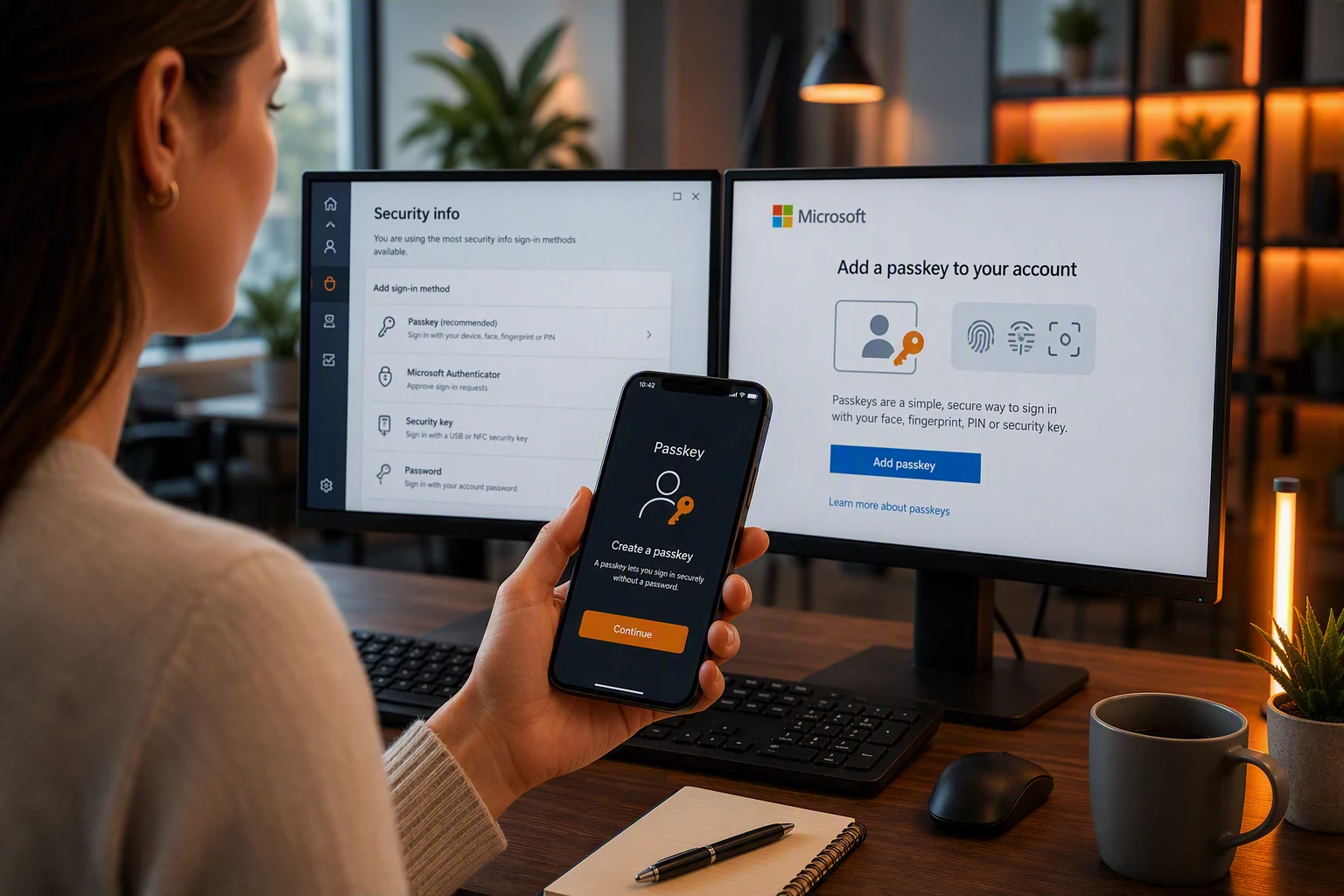
If you’ve recently been asked to create a passkey when signing into Microsoft 365, you may be wondering: what is a passkey, and do I really need one?
The short answer is yes. Passkeys are becoming the future of online authentication, with Microsoft now making them the default sign-in experience for Microsoft Entra ID users. Microsoft is encouraging organisations to move away from traditional passwords and text message security codes in favour of a faster and more secure approach.
The good news is that passkeys are surprisingly simple to use.
What Is a Passkey?
A passkey is a secure digital credential that allows you to sign in without needing to remember a password.
Instead of typing a password and then entering a text message code, you simply verify your identity using something you already use every day, such as:
- Your fingerprint
- Facial recognition
- A PIN on your device
- A hardware security key
Behind the scenes, the technology uses cryptographic keys rather than passwords, making it much more difficult for cyber criminals to steal or misuse your credentials. Microsoft describes passkeys as a phishing-resistant authentication method designed to replace older forms of sign-in.
Why Is Microsoft Moving to Passkeys?
The move comes as cyber attacks become more advanced.
For years, businesses have been encouraged to strengthen security by adding Multi-Factor Authentication (MFA). While methods such as SMS verification codes have improved security significantly, they can still be targeted by phishing attacks and other social engineering techniques. Microsoft states that passkeys provide stronger protection because they do not rely on shared secrets such as passwords or one-time codes.
Simply put, a passkey cannot be accidentally given away in the same way a password can.
That makes passkeys a major step forward in protecting business accounts and sensitive information.
Are Passkeys More Convenient?
In many cases, yes.
Think about how often you have to:
- Reset a forgotten password
- Wait for a text message code
- Enter multiple authentication prompts
- Contact IT support after being locked out
A passkey removes much of that friction.
Many users simply unlock their phone with their fingerprint or face and are signed in securely. The same biometric technology that unlocks modern smartphones can often be used as part of the sign-in process. Microsoft supports both device-based and synchronised passkeys across multiple platforms and devices.
What Happens to Passwords?
Passwords are not disappearing overnight.
Most organisations will continue using a mix of authentication methods while they transition to newer technologies. However, the direction of travel is clear. Microsoft has announced that passkeys will become the default authentication experience for Microsoft Entra ID users from September 2026. You can read more about “Passkeys by default” and the retirement of Microsoft-provided SMS and voice authentication here.
For businesses, this means now is a good time to start understanding how passkeys fit into existing security policies and user workflows.
Should Businesses Start Using Passkeys?
For most organisations, the answer is yes.
Passkeys offer several advantages:
- Stronger protection against phishing attacks
- Reduced reliance on passwords
- Faster sign-in experiences
- Fewer password reset requests
- Improved user experience
As Microsoft continues its move towards passwordless authentication, organisations that adopt passkeys early can benefit from improved security while preparing for future changes.
The Future Is Passwordless
The question is no longer whether passwordless authentication is coming.
It’s already here.
Passkeys provide a simpler experience for users, stronger protection for businesses and a practical route away from the growing risks associated with traditional passwords.
As Microsoft continues to promote phishing-resistant authentication, we expect passkeys to become a normal part of everyday business technology over the next few years.
How Core Team One Can Help
If you’re unsure how passkeys fit into your Microsoft 365 environment, Core Team One can help. We can review your current authentication policies, explain the available options and help your organisation adopt modern, secure sign-in methods with minimal disruption.
Get in touch with our team for a friendly, no-obligation discussion.