Windows 10 Is Dead. Now What? A Practical Upgrade Guide for SMEs in 2026
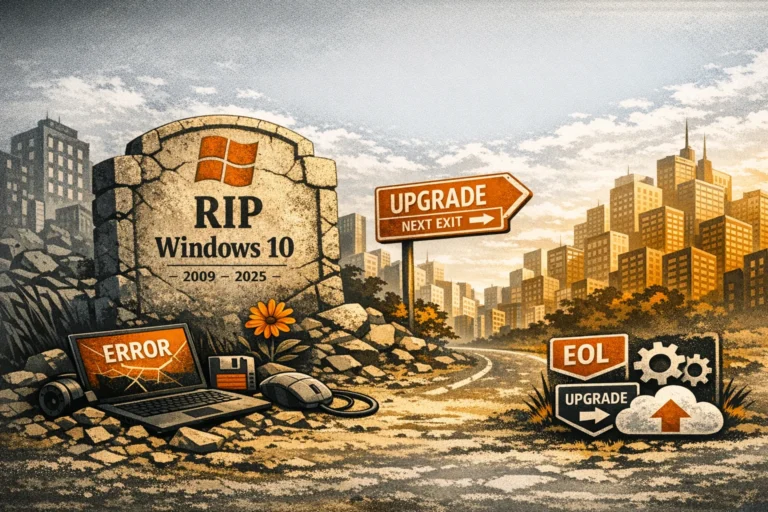
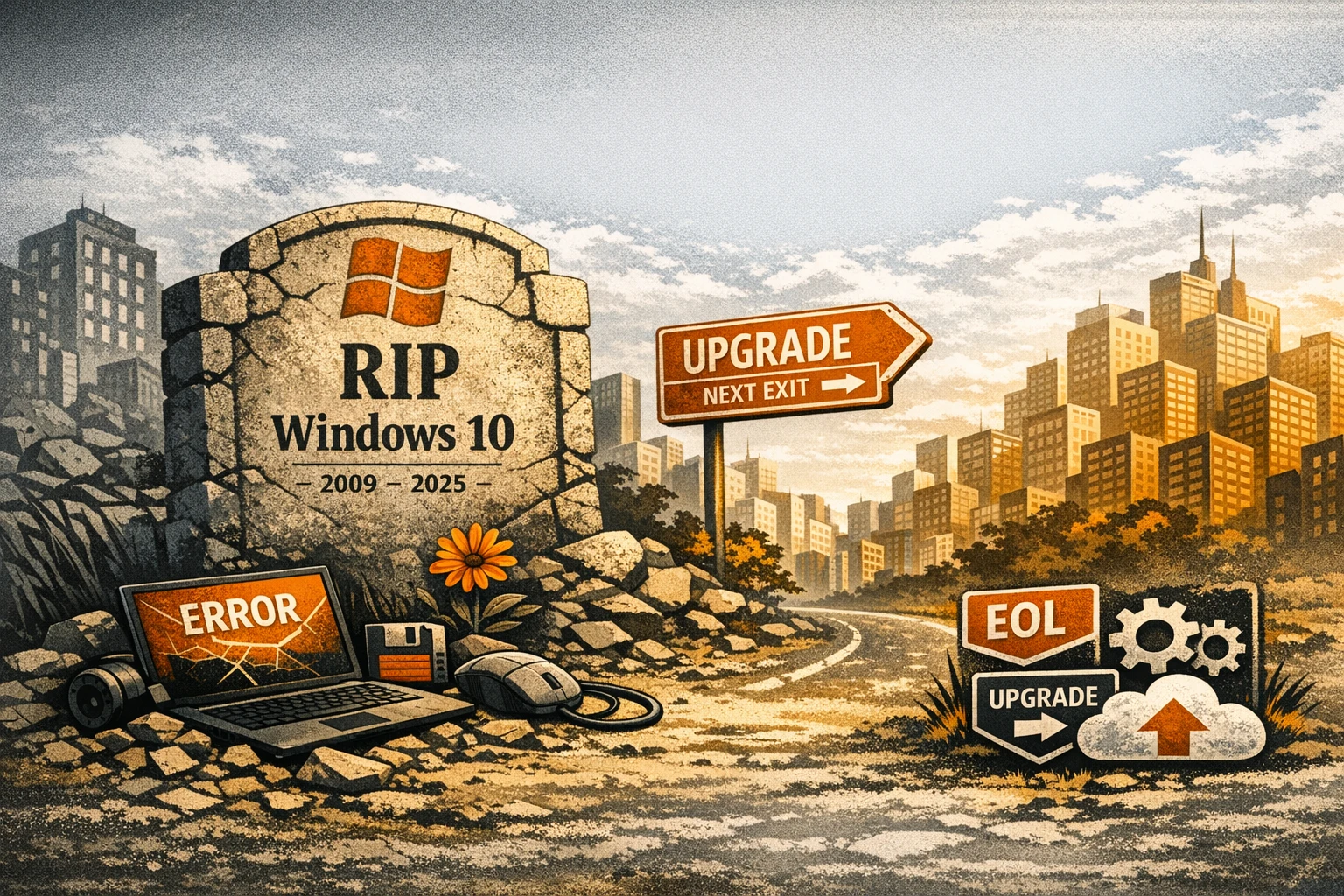
Well… it finally happened. Windows 10 has officially shuffled off this mortal coil and joined the great operating system retirement home in the sky.
And while you may not miss the blue screens, odd update timings, or that one user who still refuses to close 87 Chrome tabs… the reality is this:
If your business is still running Windows 10 in 2026, you’re now outside of security support — and squarely in the danger zone.
Let’s break down what that means, what risks SMEs now face, and the smartest path forward.
⚠️ What Windows 10 End of Support Actually Means
Microsoft ending support doesn’t mean your devices stop working. But it does mean:
- No more security updates
- No more patches for vulnerabilities
- No more compatibility improvements
- Increasing app and driver issues
- Higher cyber‑risk
- Insurance and compliance headaches
- More pressure from auditors and partners
If you process customer data, handle payments, or connect to partner systems, running unsupported operating systems can get very sticky very quickly.
💣 Why Running Windows 10 in 2026 Is a Serious Security Risk
Cyber attackers love unsupported systems. They’re predictable. Easy to exploit. Never patched. Exactly the kind of environment attackers use to:
- Move laterally through your network
- Escalate privileges
- Harvest credentials
- Install ransomware
- Launch silent attacks you won’t see coming
Even with good endpoint protection, an unpatched OS is like locking your front door but leaving every window wide open.
💻 Should You Try to Upgrade Existing Machines… or Replace Them?
Windows 10 is dead.
If the device can run Windows 11 well upgrade it – if not, replace it.
Windows 11 requires:
- TPM 2.0
- UEFI / Secure Boot
- Certain CPU generations
- Stronger memory + storage
- Modern drivers
Many older machines can’t run Windows 11 safely (or at all). Some can, but the performance suffers. If you’re unsure, we can assess your fleet and tell you exactly which devices should be upgraded and which should be retired.
🔍 The Hidden Reason Many SMEs Delay: Hardware Shortages & Pricing Volatility
And yes — the global memory shortage isn’t helping. RAM and SSD prices are spiking, lead times are stretched, and sooner or later SMEs that delay upgrades may struggle to source suitable hardware at all.
2026 is a “buy early” year, not a “wait it out” year.
🧠 What You Should Do Next — Your 2026 Upgrade Plan
Here’s the practical path we recommend for SME environments:
1. Audit your entire device fleet
Ask CTO to identify:
- CPU compatibility
- TPM support
- RAM + storage levels
- Firmware maturity
- System age
- Replacement priority
This gives you a clear upgrade roadmap.
2. Upgrade all compatible devices to Windows 11 — now
Stop waiting for “the right moment.”
It’s now.
3. Replace any machines older than 4–5 years
Even if they can run Windows 11, they’re nearing end‑of‑life anyway.
4. Standardise your hardware
Pick standard builds for each role:
- Light users
- Office/admin
- Power users
- Remote/hybrid workers
This simplifies procurement, support, and budgeting.
5. Implement Zero‑Touch Deployment (Autopilot)
Every new device should arrive pre‑configured, secure, and ready to go.
Less setup time.
Less IT overhead.
Faster onboarding.
6. Pair upgrades with a security uplift
Modern OS = modern security stack:
- Microsoft Defender for Business or SentinelOne
- Conditional Access
- Least privilege access
- Device compliance enforcement
If you’re upgrading the OS but leaving old security tools in place, you’re wasting the opportunity.
7. Decommission Windows 10 machines responsibly
Wipe them securely.
Log disposal.
Ensure GDPR compliance.
Recycle ethically.
🔗 External Link
Microsoft’s official Windows 10 end‑of‑support information can be found here: https://learn.microsoft.com/en-us/lifecycle/products/windows-10
📣 Can CTO just deal with this for me?
Yes! If your business is still holding onto Windows 10 devices, now is the time to act. We can assess your entire fleet, plan upgrades, source compatible hardware, and deploy Windows 11 securely and efficiently — without disrupting your team.
All you need to do is ask.