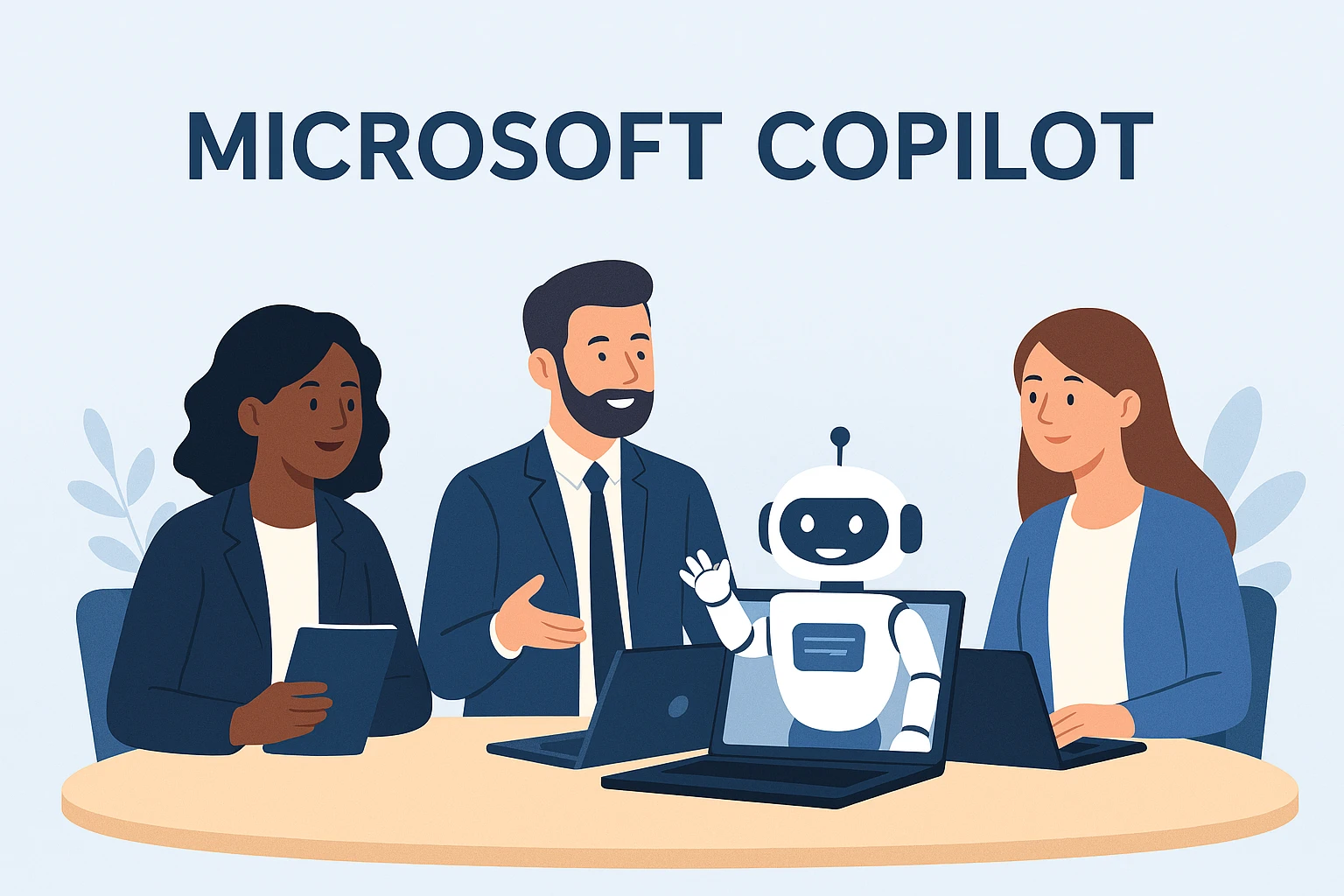
Microsoft Copilot: Why SMEs Are Missing Out (And How to Fix It)
If you’re an SME owner or manager, you’ve probably heard the buzz around Microsoft Copilot — and you’ve also probably heard a lot of confusion.
Some think it’s just “ChatGPT stuck onto Word”, others assume they’re already using it because “the icon appeared in Teams,” and many have no idea which licence they need or whether they’re even ready for it.
So let’s clear the fog. Copilot is a game‑changer — but only if your environment is prepared for it.
🤖 What Copilot Actually Is (And Isn’t)
Microsoft Copilot isn’t just a chatbot. It’s a workplace AI engine that:
- Writes and edits documents in Word
- Summarises meetings in Teams
- Drafts emails in Outlook
- Pulls insights from Excel
- Creates presentations in PowerPoint
- Searches across your organisation’s data
- Automates repetitive work
In other words: it’s the digital coworker SMEs wish they had years ago.
But here’s the important bit… Copilot only works well when your Microsoft 365 environment is clean, governed, secure, and properly licensed.
⚠️ Why SMEs Aren’t Seeing the Benefits Yet
Most small businesses we onboard have the same problems:
1. Their data is a mess
If your files are scattered across desktops, personal OneDrives, random SharePoint sites, USB sticks, or someone’s Dropbox… Copilot won’t magically know where to look.
It can’t organise what hasn’t been organised.
2. They haven’t enabled the prerequisites
Businesses often assume Copilot is included — but it requires:
- Microsoft 365 Business Standard or Business Premium
- A Copilot licence (sold separately)
- Security features properly configured
- User data residency & compliance aligned with Microsoft’s requirements
3. No internal policy or governance
If staff can save any file anywhere, Copilot becomes unpredictable. If you’ve got data spread across 45 Teams, 12 SharePoint sites and a storage unit full of old servers, Copilot will only amplify the chaos.
4. Staff haven’t been trained
Copilot isn’t a magic button. Users need to know how to prompt it, how to ask it to refine output, and how to sense‑check results.
💡 What SMEs Get When Copilot Is Set Up Properly
Here’s where the magic happens.
🚀 Productivity jumps instantly
Copilot can summarise a 60‑minute Teams call into action points in seconds.
It can turn a messy email thread into a decision summary.
It can build a PowerPoint deck based on a Word doc.
📄 Better quality documents
Less typos, more clarity, more structure, fewer hours wasted staring at a blank page.
📧 Emails sorted in a fraction of the time
Inbox overflowing? Copilot can draft replies, tidy threads, and pull out tasks hiding inside long conversations.
📊 Data becomes accessible
Ask Excel questions in plain English:
“Show me sales trends for Q4 and highlight anomalies.”
Boom — chart delivered.
📞 Customer‑facing teams benefit massively
Teams that multitask (sales, customer service, operations) can:
- Summarise client histories
- Draft proposals
- Get call summaries
- Automate admin
The ROI is huge.
📋 What SMEs Need to Do Before Switching On Copilot
Think of this as the “foundation layer.”
1. Organise your data properly
Use Teams and SharePoint as intended.
Define where things live.
Get rid of dark corners.
2. Enable baseline security
At the very least:
- MFA
- Conditional Access
- Device compliance
- Business Premium security features
3. Set up appropriate permissions
Copilot can only access what a user can.
If Karen in Accounts can see HR files… Copilot will too.
4. Prepare your staff
Give them:
- Prompting examples
- Usage training
- Expectations and guardrails
5. Choose the right Copilot licences
Microsoft keep tweaking SKUs — if you’re unsure, ask us. We live in this stuff.
🔗 Learn More with Microsoft
For a deeper dive into Microsoft’s official Copilot positioning, see: https://www.microsoft.com/en-us/microsoft-365/copilot
Ready?
If you want Copilot to genuinely transform your business — not confuse it — we can help.
We’ll clean up your data, apply governance, deploy Copilot correctly, and train your team so they see real productivity gains from day one.
Get in touch and let’s make your business Copilot‑ready.